Makeup looks to paint in 3D
Start with a look you want to make. These three portraits were rendered in Makeup Rush 3D. Each guide opens the matching theme in free studio and gives you a brush order to try on Maya or Lina. New here? See free 3D makeup game, no download.
Summer Juice
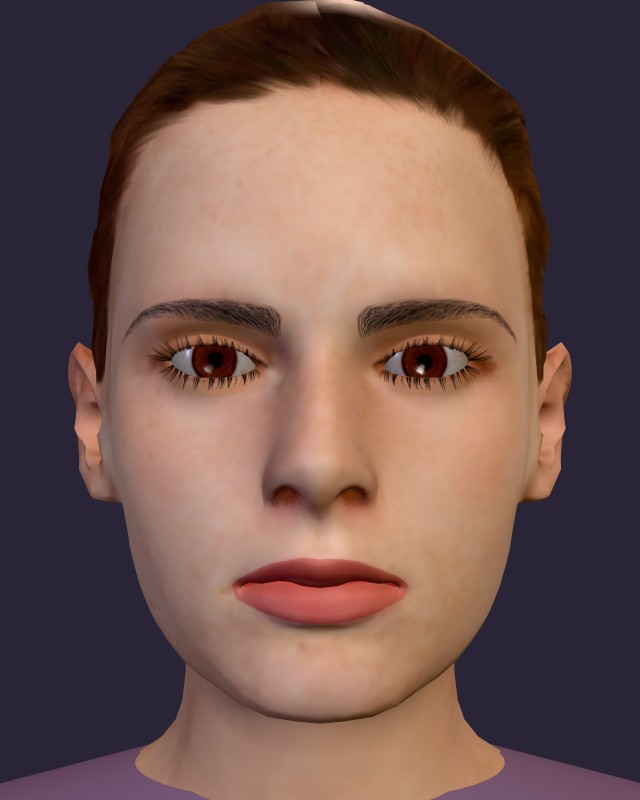
Try coral cheeks, pink lips and a bright lid accent. Choose this when you want to experiment with warm colors and a small mint contrast.
Gothic Night
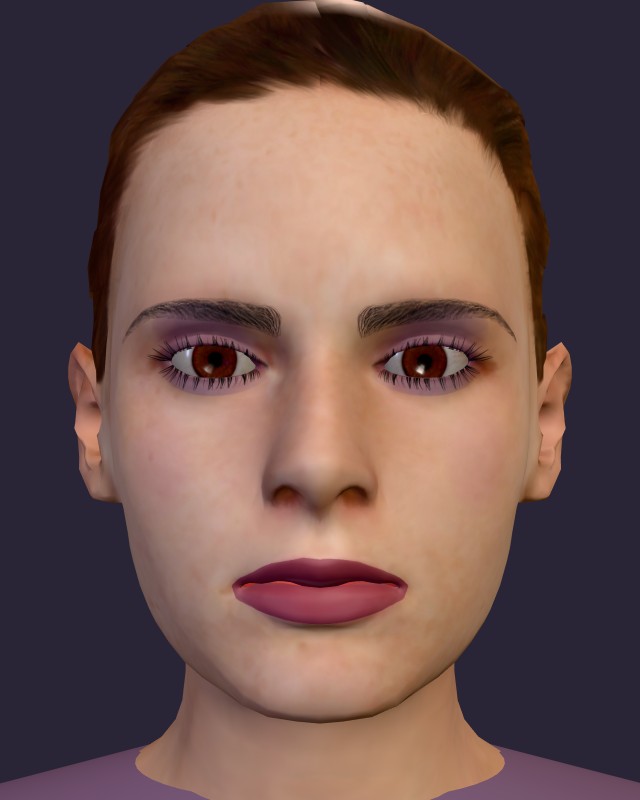
Layer shadow at the outer lids and use a thin dark lash line. Pick this for low-opacity blending and a darker palette.
Sweetheart
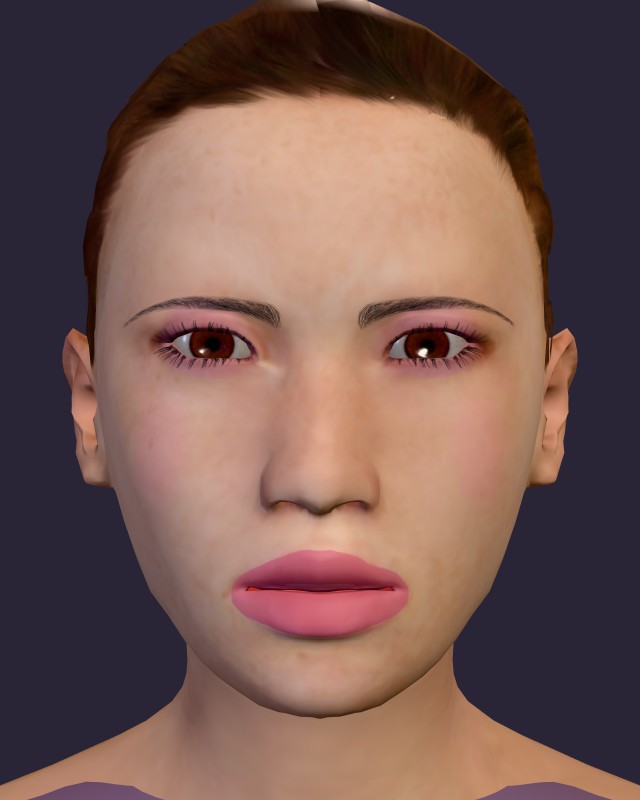
Build a soft pink base, then add a little gloss or glitter. Pick this for a simple first look with a ready-painted starter.
Which look should I start with?
Sweetheart is a useful first round because its starter already gives the eyes, cheeks and lips a pink base. Summer Juice lets you explore a wider range of bright colors. Gothic Night rewards careful, light passes around the lids rather than one heavy coat.
The tutorials use free studio, so you can take your time. Finish still shows a painting score, but free studio awards no coins. If you prefer a clock, choose Quick 90s or Classic 9 min on the game homepage.
Make it your own
The screenshots are examples, not patterns you must copy pixel for pixel. Pick Maya or Lina on the homepage before opening a guide's play button. Both portraits use the same tools; try another lip shade, switch Mirror off for an asymmetric eye accent, or reduce opacity for a softer result.
Save a finished image to the local gallery, or download it to keep a file. Gallery images and drafts stay in this browser and do not transfer between devices. The gallery holds eight looks.
New to painting? How to play explains brush settings, rotation, zoom and saving before your first stroke.